
Skip to content
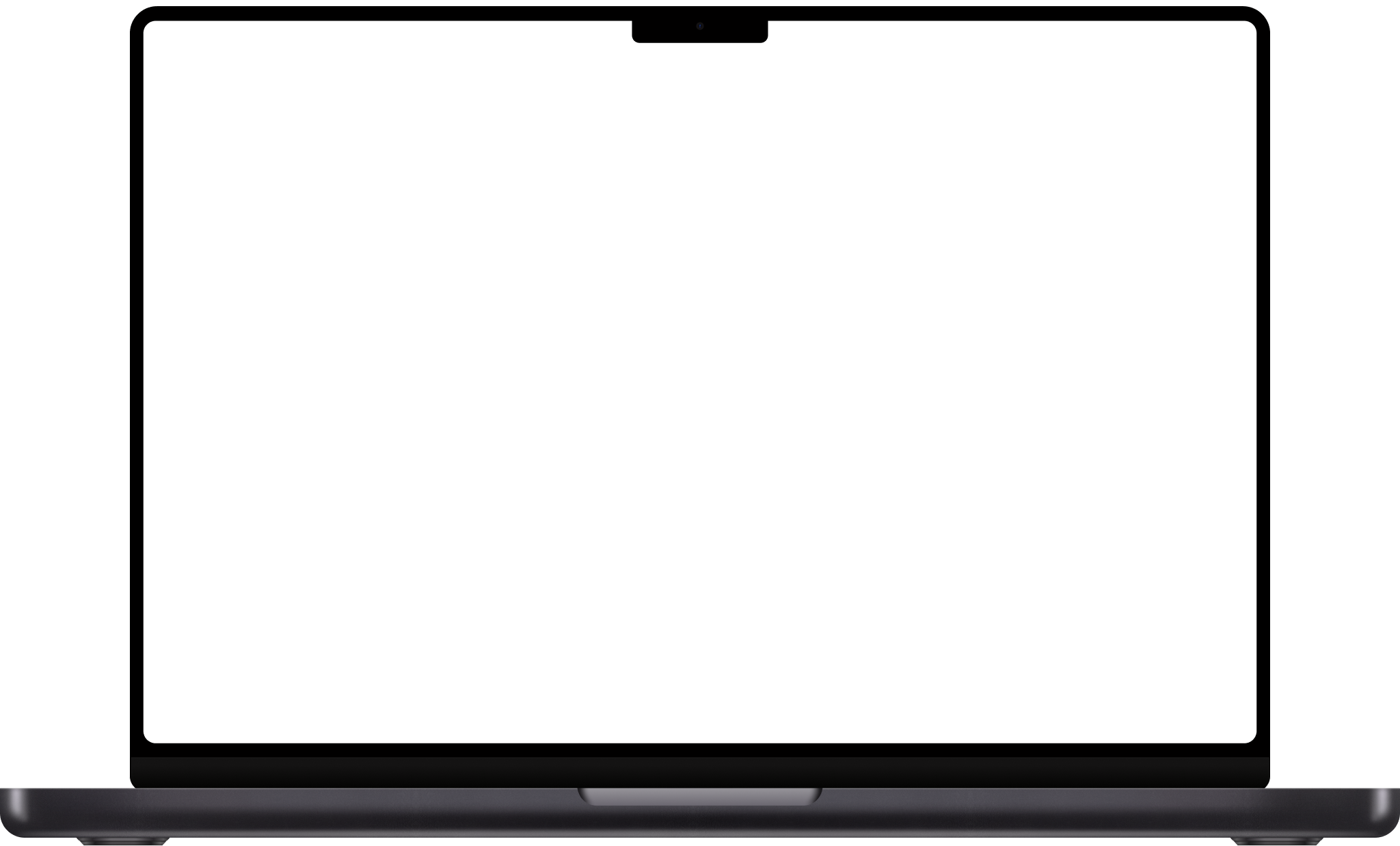
Leo capturing a highlight on a MacBook

Build your
argument

Capture excerpts, hypotheses, and connections with a single keystroke. Build a personal library of sources and notes you can draw on with perfect recall — so every claim in your work traces back to its source.

Download for Mac
Leonardo da Vinci 1490s · Galileo Galilei 1610 · Alexander von Humboldt 1799 · Charles Darwin 1837 · Marie Curie 1898 · Margaret Mead 1925 · Walter Benjamin 1927 · Richard Feynman 1963 ·

Your researcher's notebook

Your reading doesn't wait. A footnote in tonight's paper, a stray claim in a seminar, a counterexample that arrives on a walk — anything can be the line a chapter turns on. Captured in a keystroke, sourced automatically, gathered into the references you cite when the argument arrives.

Capture with one keystroke

Mid-paper. Deep in the archive. In a seminar. Highlight what matters, hit the shortcut, and you're back to the page.

Sources attached

Leo automatically saves the context of your notes — article URLs, page numbers, podcast timestamps, video frames. So you can mark a passage in the middle of reading, and trace any line back to its source when you sit down to write.

Your personal reference library, with perfect recall

Collect excerpts, hypotheses, and connections over months and across sources. The line you marked last semester is still there this one — sourced, searchable, ready to cite. Years of reading become the references you draw on when the chapter arrives.

Connect the dots

Ask across everything you've read — what does the literature actually say, where do the sources disagree, what's the strongest counter-claim — and build the argument you'll defend when it counts. Use Leo's built-in model, or connect it to your favourite LLM.

A personal notebook for the long work of building an argument

The question

Note the puzzles, the contradictions, the gaps where the literature still hasn't answered cleanly. Months of small notations sharpen into the question your work will answer.

Excerpts

Save the passages, findings, and quotations that sharpen your thinking. Build a personal library of evidence — every line traced to its source — to draw on as your argument takes shape.

The field

Track the scholars whose work surrounds yours. Capture what's been claimed, where the disagreements sit, where the gaps remain. Papers, citations, conference talks, working drafts — captured at the source.

Hypotheses

Jot down a working theory the moment a source provokes one. Build a record of your evolving thinking — anchored to the material that shaped it, ready to revisit when the next piece of evidence comes in.

Connections

Capture the threads between sources the moment you spot them — Smith's footnote next to Chen's counterexample next to a line from this morning's seminar. Build the web of links that turns a pile of reading into an argument with a spine.

The argument

Argue the case on the page. Build a running record of the claims, the evidence, and the counter-evidence that survive scrutiny — so when you sit down to write the chapter, the argument is already earned, every line back to its source.

How they used theirs

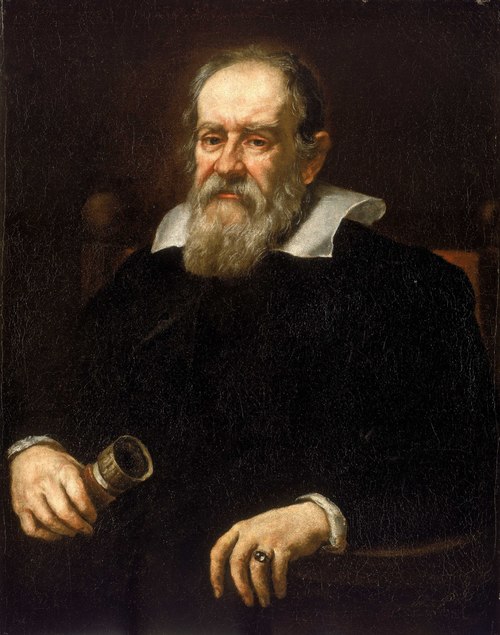
Galileo Galilei

University of Padua · 1610

Galileo's notebooks tracked his telescopic observations night by night — the moons of Jupiter circling their planet, drawn at intervals as the geometry resolved. The sketches survive in his hand at the Biblioteca Nazionale. Sidereus Nuncius, the seventy-page pamphlet that overturned Aristotelian cosmology, came straight out of those pages.
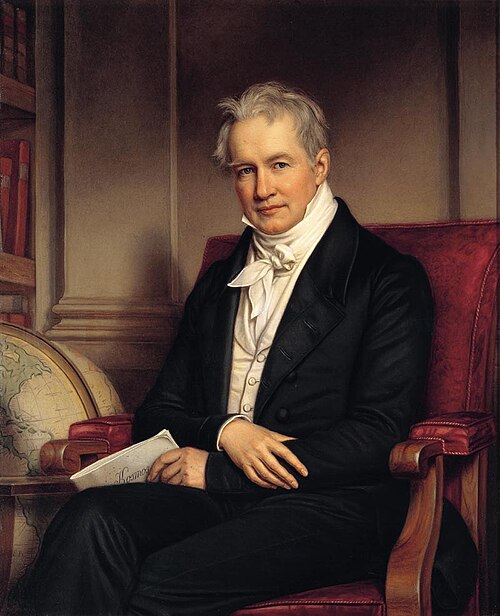
Alexander von Humboldt

South American expedition · 1799

Humboldt spent five years in the Americas with notebooks strapped to his pack — temperatures, plant distributions, indigenous languages, the shape of every mountain he climbed. He filled volume after volume in the field. Cosmos, his attempt to describe the natural world as one connected system, was three decades of unpacking those notebooks back in Berlin.

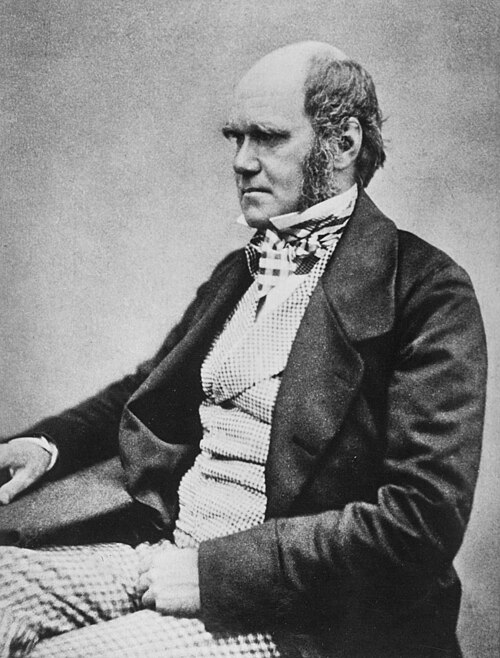
Charles Darwin

Cambridge, Notebook B · 1837

A year after the Beagle returned, Darwin opened a small leather notebook and labeled it B. By page 36 he had drawn the first tree of life and written "I think." above it. On the Origin of Species came twenty-two years later — most of them spent expanding the case Notebook B already contained in seed.

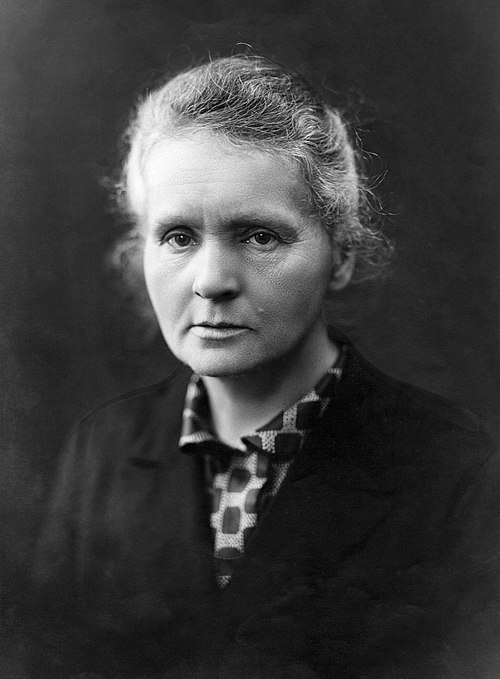
Marie Curie

Paris · 1898

Curie's laboratory notebooks from the 1890s — the years she and Pierre isolated radium and polonium — are still radioactive. They are read at the Bibliothèque Nationale through lead-lined boxes. Two Nobel Prizes, two new elements, and the founding of radiation chemistry trace back to those pages.

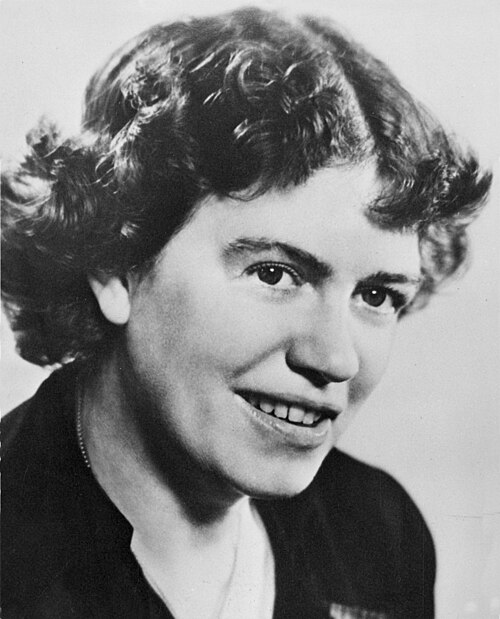
Margaret Mead

American Samoa · 1925

Mead arrived in Samoa at twenty-three with a typewriter, a stack of notebooks, and instructions from Franz Boas to describe adolescent life. She filled the notebooks with kinship charts, conversations, daily routines, and her own evolving questions. Coming of Age in Samoa came out three years later — drawn directly from those pages, and read across a generation of cultural anthropology.

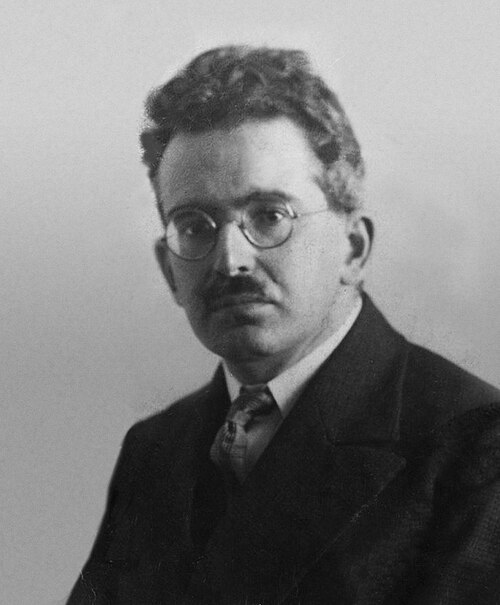
Walter Benjamin

Bibliothèque Nationale · 1927

For thirteen years Benjamin filled notebooks with quotations, advertisements, photographs, and observations from nineteenth-century Paris — reading the city as a text. He organized them into thirty-six folders he called the Konvolute. The unfinished Arcades Project, published in fragments after his death, is the notebook itself, more or less, as the book.

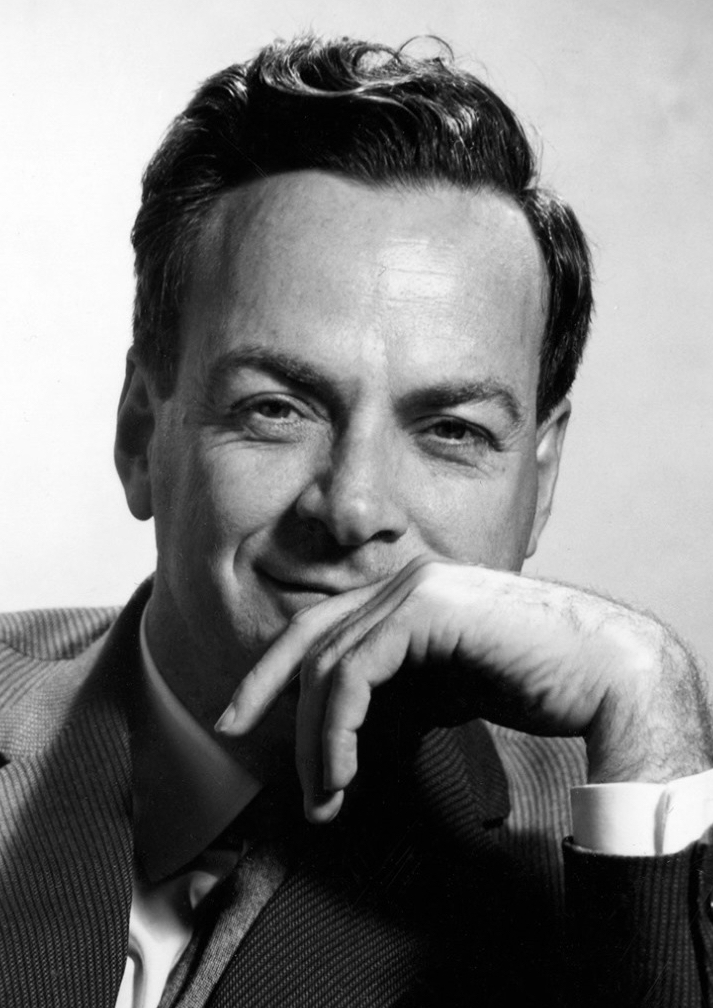
Richard Feynman

Caltech · 1963

As a young physicist, Feynman kept a notebook he titled Notebook of Things I Don't Know About, reorganizing physics from the bottom up so he could see what he understood and what he didn't. He worked through the fundamentals in his own hand, deriving from first principles. The Lectures on Physics — three volumes that taught a generation — were the same exercise, performed at the blackboard.

Frequently asked questions

Where are my notes stored?
Locally on your Mac, in plain markdown files you can open with any text editor. We sync them to your account so they're available across devices and backed up, but the source of truth lives on your machine. If Leo disappeared tomorrow, your notes wouldn't.
Can I open and annotate PDFs in Leo?
Native PDF reading and highlighting is currently in research preview — coming soon. Today you can capture excerpts and source references from PDFs you're reading in any app, and the source stays attached to the note.
Does Leo work with Zotero or my reference manager?
Reference manager integrations — Zotero, Mendeley, EndNote — are currently in research preview and coming soon. In the meantime, references and DOIs you paste into Leo are searchable alongside your notes.
Can I export citations from Leo?
Citation export — BibTeX, RIS, Word footnotes — is currently in research preview and coming soon. Today, every note keeps its source attached, so the trail back to the original is always visible.
What happens to my notes if I cancel?
You keep them. Your notes are markdown files on your Mac — cancellation turns off sync and AI features, but the files stay where they are. You can open them in any text editor, import them into another app, or just read them.

Ready to start?

Download Leo and start your researcher's notebook today.