
Skip to content
Leo capturing a highlight on a MacBook

Your founder's
notebook.

Capture signals, hunches, and lessons with a single keystroke. Build a personal library of notes and sources you can draw on with perfect recall — whenever your business needs it.

Download for Mac
John D. Rockefeller 1870 · Andrew Carnegie 1872 · Alexander Graham Bell 1877 · Nikola Tesla 1886 · Thomas Edison 1889 · Henry Ford 1903 · Wright Brothers 1909 · Walt Disney 1923 ·

Your AI notebook and reference library.

Insights strike anywhere — mid-article, mid-podcast, mid-call. Leo is your context-aware notebook: capture signals, hunches, and lessons with a single keystroke, and the source comes with the note automatically. Your jots can stay short, because the article, the timestamp, the page they came from are already attached. Months later, your library still knows where every idea came from.

Capture with one keystroke. From anywhere.

Highlight a passage in your browser, reader, or podcast app and hit the shortcut. The note saves with the source attached. No app-switching, no copy-paste, no "I'll find this later."

Sources included. So your notes can be brief.

Article URLs, podcast timestamps, video frames, page numbers — captured automatically with every note. Your notes can be a single line because the context is already there.

Your personal reference library, with perfect recall.

Months of notes, every one with its source. Search finds the actual moment, not just the words you typed. The pile of bookmarks, screenshots, and "I read this somewhere" becomes something you can actually use.

Connect the dots.

Ask Leo across your library and the sources behind it. Or bring your own model — Claude, GPT, Gemini — and point it at the library you've curated, with the full context attached. Most notes apps lock you into one model, or none.

A personal notebook for the work of building your dream.

Customer discovery

Capture interview quotes, churn reasons, JTBD insights, and feature requests as they come in. Every note keeps the call, the customer, and the recording timestamp attached.

Competitive intel

Track pricing changes, positioning shifts, and product launches across the companies you watch. Articles, screenshots, and podcasts captured at the source.

§

Investor & fundraising

Save VC objections, pitch feedback, intro threads, and term sheet notes in one place. Walk into the next conversation with everything that came before it.

Pricing & positioning

Build a record of the experiments, customer reactions, and competitor moves shaping how you sell. Each note tied to the call or article that prompted it.

Hiring & team

Note interview signals, reference checks, and onboarding decisions across every candidate. The call, the resume, and your impressions in one place.

Lessons & post-mortems

Keep a decision log of what worked, what didn't, and why. Sourced to the meetings, calls, and reading that shaped each call.

From the keepers

How they used theirs.

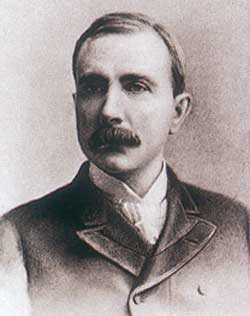
John D. Rockefeller

Standard Oil · 1870

At sixteen, Rockefeller bought a small notebook for ten cents and called it "Ledger A." He recorded every cent earned, spent, and given to charity in it for the rest of his life. The discipline he taught himself in those pages — accounting for the small things — became the operating logic of the largest company of its era.

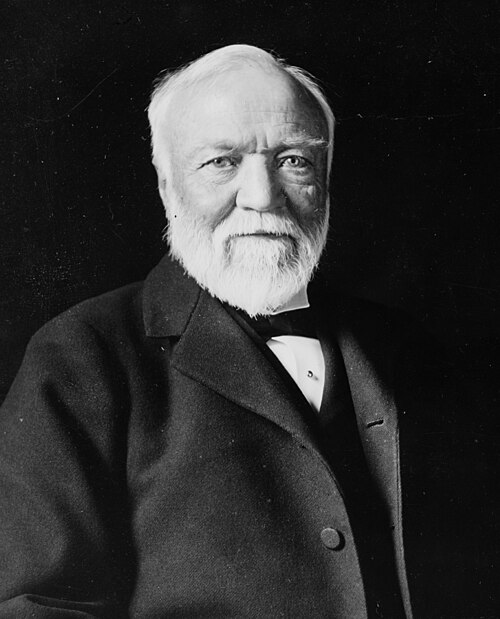
Andrew Carnegie

Carnegie Steel · 1872

In 1868, Carnegie wrote himself a private memo laying out a plan: retire by thirty-five, give away his wealth, devote his life to letters. He kept the page. It became the blueprint for the Gospel of Wealth and the libraries he later built across two continents — a single notebook entry that outlined a second life.

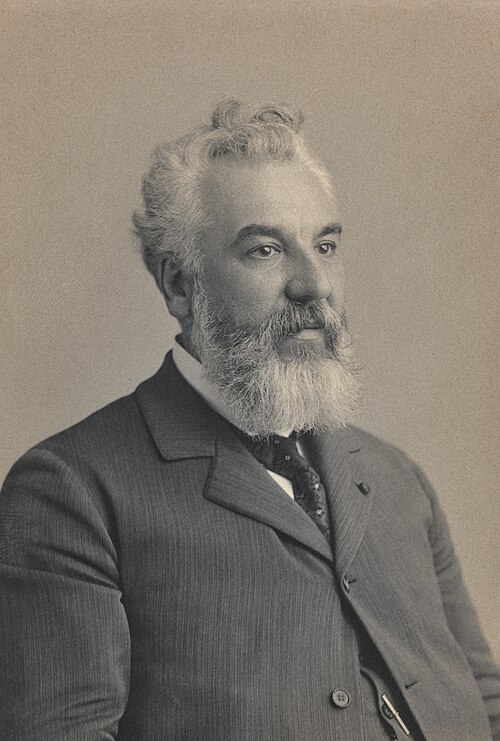
Alexander Graham Bell

Bell Telephone Co. · 1877

Bell's experimental notebook page from March 10, 1876 — now at the Library of Congress — holds the first sketch of the telephone and the words "Mr. Watson, come here. I want to see you." Decades of subsequent notebooks tracked his work on aeronautics, the photophone, and the education of the deaf.

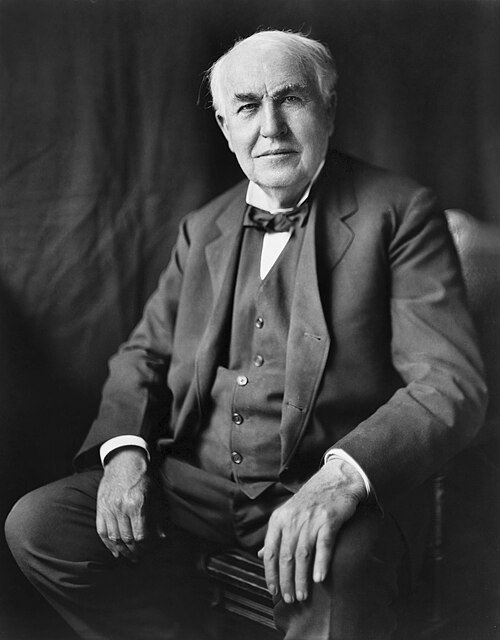
Thomas Edison

Edison General Electric · 1889

Edison's Menlo Park lab kept roughly 3,500 notebooks — five million pages of experiments, sketches, and dead ends. He logged everything because the pattern of failure was the only way to find the path forward. The phonograph, the carbon filament, and 1,093 patents trace back to those pages.
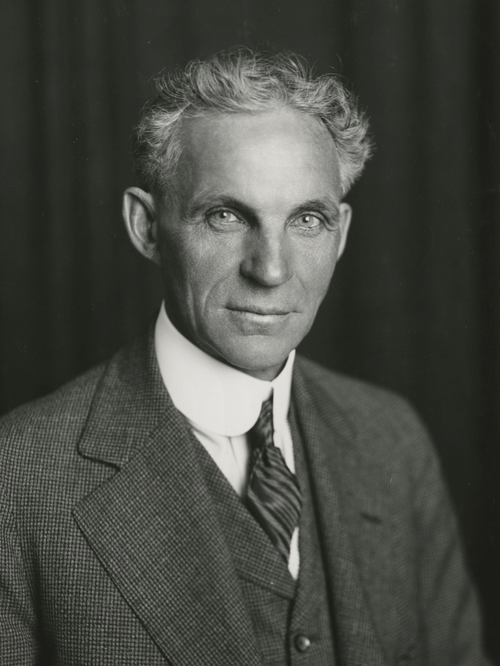
Henry Ford

Ford Motor Company · 1903

Ford carried "jot books" his whole career — small pocket notebooks for ideas, expense tallies, and turns of phrase. The pages that survive show him obsessing over inches and ounces. The same compulsive pursuit of efficiency turned the Model T into the most-produced vehicle of its century.

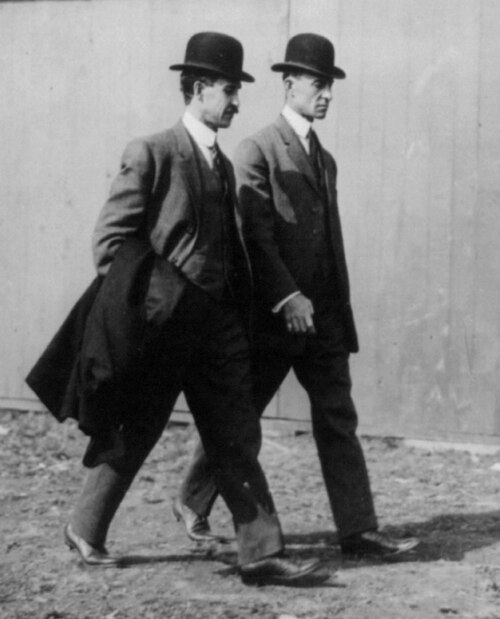
Wright Brothers

Wright Company · 1909

Before Kitty Hawk, the Wrights spent four years filling notebooks with wind-tunnel data, sketches of wings, and corrections to the prevailing aerodynamic tables. The first powered flight wasn't a moment of inspiration — it was the last entry in a methodical log that ran from 1899 to that December morning in 1903.

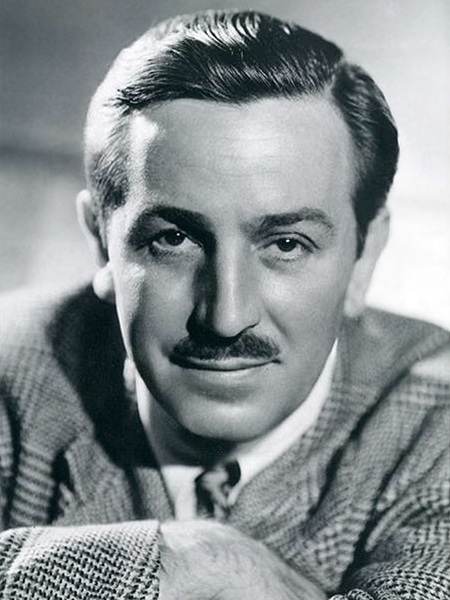
Walt Disney

Disney Brothers Studio · 1923

Disney filled story-sketchbooks for every film — pencil thumbnails, dialogue snippets, music cues. The 1934 sketchbook for Snow White ran to several volumes; he showed it to investors before any animation existed. The studio was sold on the strength of the notebook.

Frequently asked questions

Lorem ipsum dolor sit amet consectetur?
Adipiscing elit sed do eiusmod tempor incididunt ut labore et dolore magna aliqua.
Duis aute irure dolor in reprehenderit?
In voluptate velit esse cillum dolore eu fugiat nulla pariatur.
Sed ut perspiciatis unde omnis?
Iste natus error sit voluptatem accusantium doloremque laudantium.

Ready to start?

Download Leo and start your founder notebook today.